
You have a new PC waiting, an expired Office install, or a QuickBooks task that cannot wait until next week. So, how fast are digital keys delivered after you place an order? For most software purchases, the answer is within minutes by email – no box, no shipping label, and no trip to a store.
That speed is one of the biggest advantages of buying a digital Windows, Office, Microsoft 365, or QuickBooks license. Still, “within minutes” does not mean every order follows the exact same clock. Payment approval, email delivery, and occasional security reviews can affect when your key reaches you. Here is what to expect and what to do if your order is not in your inbox yet.
How Fast Are Digital Keys Delivered in Most Cases?
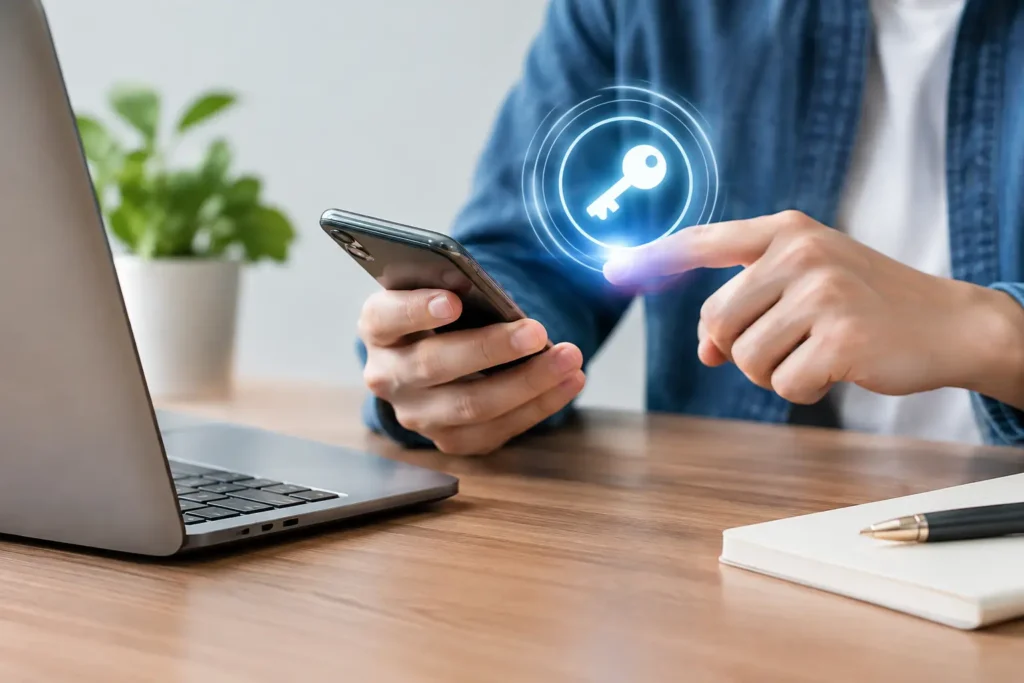
Most digital software keys are delivered by email within minutes of a successful payment. Once the order is approved, the delivery email typically includes your activation key, the software download information, and straightforward instructions for installing or activating your product.
Unlike physical software, there is no warehouse pick-and-pack process. Nothing needs to be shipped across the country. That makes digital delivery especially useful when you need to activate Windows on a new computer, reinstall Office after a device reset, or get productivity software running for school, remote work, or a small business.
At Tech Shop Pro, the goal is fast email fulfillment so customers can get started without waiting on physical delivery. Your account can also provide a convenient place to review order details later, which is useful if you need to retrieve your key after changing devices or cleaning out an inbox.
What Happens Between Checkout and Delivery?
A digital order moves quickly, but a few steps still happen in the background. First, your payment must be authorized. Then the order system confirms the purchase details and sends the delivery message to the email address entered at checkout.
For the vast majority of orders, this is a short process. You may see an order confirmation first, followed shortly by a separate email containing the product key and activation details. Do not assume the confirmation email itself is your license key unless it specifically says so.
The delivery email is worth saving. Create a folder for software purchases, print the key only if you can store it securely, or keep the order available through your customer account. A product key is not something you want to search for the next time you replace a hard drive or set up a new PC.
Why a Digital Key May Take Longer Than Expected
A short delay does not automatically mean there is a problem with your order or key. In many cases, the issue is simple and fixable.
The most common reason is that the email landed somewhere other than your main inbox. Check your spam, junk, promotions, and all-mail folders. Search for the store name, your order number, or terms such as “product key,” “license,” “activation,” and “download.” Email providers sometimes filter automated order messages, especially if you have not received mail from that sender before.
Another possibility is an email-address typo during checkout. If one letter is missing or a domain name is entered incorrectly, the order cannot reach you at the intended address. This is why it helps to review your contact information before submitting payment.
Payment verification can also add time. Banks and payment processors occasionally flag an order for review, particularly when the purchase is made from a new device, uses billing information that does not match, or triggers a fraud-prevention check. That review protects customers and sellers, but it can delay automatic fulfillment until the payment is confirmed.
Finally, high-volume periods can create a temporary queue. Major software release periods, holiday promotions, and limited-time sales may mean more orders are being processed at once. Digital fulfillment is still far faster than physical shipping, but “instant” should be understood as fast electronic delivery rather than a guarantee that every email arrives the same second.
Delivery Time Is Not the Same as Installation Time
Receiving a key within minutes is only the first part of getting your software ready. Installation and activation can take longer depending on your internet connection, device performance, and whether you need to remove an older version first.
For example, a Windows key may be delivered almost immediately, while downloading updates and completing installation can take additional time. Office may require you to sign in, download the installer, and open an app before entering the key or linking the license. QuickBooks Desktop can take longer because the installer is larger and your business data may need to be restored or configured.
The good news is that a legitimate digital order should include clear next steps. Follow the instructions for your specific product rather than applying a generic activation method you found elsewhere. Windows, one-time-purchase Office editions, Microsoft 365 subscriptions, and QuickBooks products do not all use the same setup path.
What to Do If Your Key Has Not Arrived
If you have waited longer than expected, start with a quick check rather than placing a second order. Duplicate purchases can be frustrating, especially when the first delivery email was simply filtered into junk mail.
First, confirm that your payment was completed and that you received an order confirmation. Then check the inbox and spam folders for the email address used at checkout. Search by order number if you have one. If you created an account, review your order history to see whether the purchase details are available there.
If the email is still missing, contact customer support with the order number, the name used for the order, and the email address entered at checkout. Do not post a product key publicly or send unnecessary payment details by email. Support can verify the order status, correct an email issue when appropriate, and help determine whether a payment review is still pending.
If your key arrives but does not activate, that is a different issue from delivery. Make sure you are entering the code exactly as shown, using the correct product edition, and following the provided activation instructions. If it still fails, reach out for assistance before assuming the purchase is unusable. Reputable software sellers should offer help with activation problems and provide replacement or refund protection when a valid issue cannot be resolved.
How to Avoid Delays on Your Next Software Order
A few small habits make fast digital delivery even more reliable. Use an email address you can access immediately, double-check it before checkout, and make sure your payment billing details are accurate. If you are buying software for a client, employee, or family member, decide whether the order should be sent to your email or theirs before you purchase.
It also helps to know what you are buying. A lifetime, one-time-purchase Office license and a recurring Microsoft 365 subscription have different account and renewal expectations. Windows editions must match the device and activation path you need. For business software, confirm the edition, year, and number of users or devices before checkout. Choosing the correct product upfront reduces the chance that you need help after delivery.
Keep your device ready, too. Check available storage space, remove incompatible trial versions when the instructions call for it, and use a stable internet connection for downloads. A key can arrive in minutes, but a prepared computer is what turns that fast delivery into a fast start.
A Fast Delivery Should Still Come With Real Support
Speed matters, but it should not be the only reason to choose a digital software retailer. The better buying experience combines fast fulfillment with clear product details, secure checkout, genuine activation guidance, and access to real help if something goes wrong.
When you need software now, check your email carefully, keep your order information handy, and give the payment system a few minutes to complete its work. Once your key arrives, follow the included instructions and save the message somewhere secure – then you can get back to the work you bought the software to do.