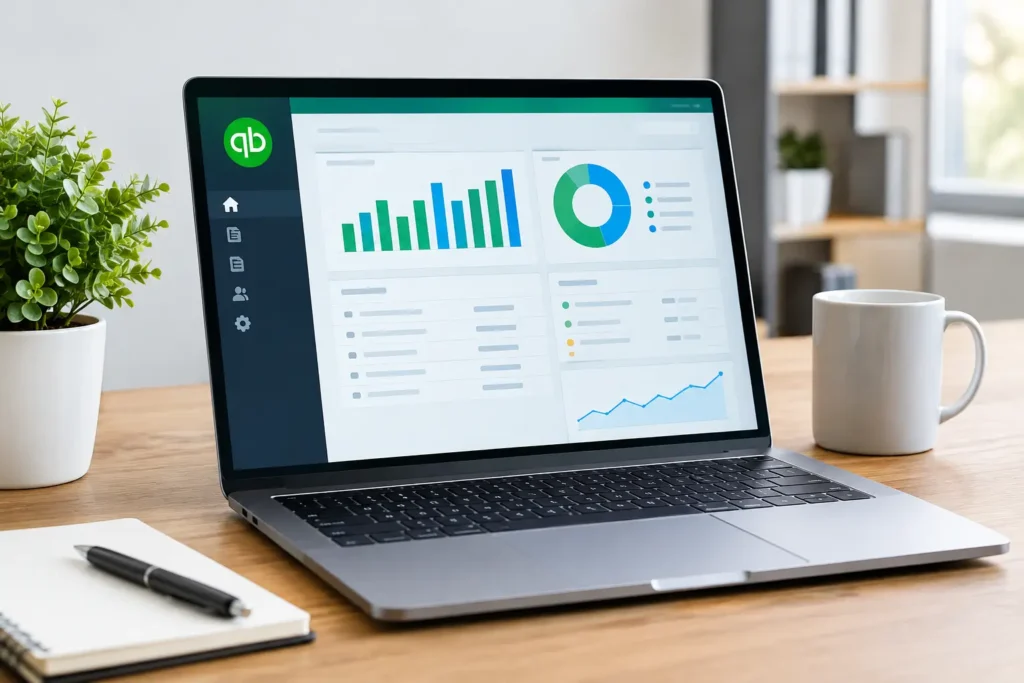
A QuickBooks Desktop Pro Plus license can be a practical fit when your business wants familiar desktop accounting software without moving its daily workflow into a browser. It gives many small businesses the tools they need to invoice customers, track expenses, manage bills, reconcile bank activity, and run clear financial reports from a Windows PC.
The key detail is in the name: Pro Plus is not typically the same as an older, permanent QuickBooks Desktop license. It is an annual subscription product. That means you should look beyond the checkout price and understand what is included, how long access lasts, and what happens when the subscription period ends.
What QuickBooks Desktop Pro Plus Includes
QuickBooks Desktop Pro Plus is built for freelancers, home-office users, and small-business owners who prefer installing accounting software directly on a computer. The program stores and works with company files locally, giving users a desktop-style workspace that many long-time QuickBooks customers already know.
Core features generally include income and expense tracking, estimates, invoices, sales receipts, vendor bills, customer balances, bank reconciliation, budgeting, and financial reporting. You can also manage accounts payable and accounts receivable, track sales tax, create purchase orders, and keep a closer eye on cash flow.
For a small operation, that combination is often enough to replace scattered spreadsheets and manual receipt tracking. Instead of trying to piece together what a customer owes or which bill is due next, you can work from one organized company file.
Pro Plus can also include access to annual product updates and support during the active subscription term. Exact features can vary by edition, year, and product offer, so always confirm the product description before buying. Payroll services, payment processing, live bookkeeping, and certain online services may require separate enrollment and additional fees.
Is a QuickBooks Desktop Pro Plus License Permanent?
This is the question that matters most before you buy.
A QuickBooks Desktop Pro Plus license is generally tied to a subscription term, commonly one year. You pay for the right to use that version of the software and receive included benefits for the stated period. It is different from a one-time-purchase software license that remains usable indefinitely without renewal.
When the active term expires, continued access and functionality can be affected unless you renew. Subscription products can change over time, and Intuit may adjust renewal pricing, supported features, or service availability. If your priority is avoiding recurring software costs, read the product terms carefully and compare the total cost over multiple years.
That does not make Pro Plus a poor value. For businesses that want current updates, support, and a predictable annual plan, it can be the more sensible choice. The right option depends on whether you value long-term ownership or ongoing product coverage.
Who Should Choose Pro Plus?
QuickBooks Desktop Pro Plus is often a strong match for a business that has one to three users, needs standard accounting controls, and prefers a desktop application over cloud-only software. Contractors, consultants, local service providers, online sellers, and small retail operations may all find the feature set useful.
It is especially appealing if you work in an office with a stable Windows computer, want to keep company files under your direct control, and do not need every team member accessing the books from different locations at the same time. Remote access is possible in certain setups, but it may require hosting, remote desktop tools, or additional services. It is not as simple as opening a cloud accounting app from any device.
Pro Plus may not be the best fit for every business. A growing company with advanced inventory needs, many users, complex job costing, or multiple locations may need a higher-level QuickBooks edition. Likewise, a fully remote team may prefer cloud accounting for easier access from different devices.
QuickBooks Desktop Pro Plus License Requirements
Before purchasing, make sure the software matches your computer and business setup. QuickBooks Desktop is designed for Windows. If you use a Mac, Chromebook, iPad, or Linux computer as your primary device, do not assume the software will install or run natively.
A reliable internet connection is still useful even though it is desktop software. Internet access may be needed for activation, updates, online banking connections, product registration, and certain included services. You should also check the supported Windows version, processor, memory, storage, and display requirements for the edition you plan to install.
If you are replacing an older QuickBooks version, plan the move before your busy season. Back up your company file, confirm that the new version can open or upgrade it, and make a note of any connected bank feeds, third-party apps, printers, and custom invoice templates. A simple checklist can prevent an accounting interruption at month-end.
What to Check Before Buying a License
A low price matters, but clear licensing details matter just as much. Before checkout, confirm whether the offer is for a new subscription, a renewal, or a product key for a specific QuickBooks Desktop year. Review the number of permitted users, the subscription length, operating-system compatibility, and whether technical support is included.
Also make sure you understand delivery and activation. With digital software, you should receive the product key and clear instructions by email, rather than waiting for a physical box. A dependable seller should explain what to do if the key does not activate and provide direct help from a real support team.
At Tech Shop Pro, buyers can expect digital delivery details by email, secure checkout, and help if activation questions come up. That kind of support is valuable when you are setting up business software, because a key is only useful once the program is installed and working correctly.
Be cautious with listings that do not state the edition, year, license term, or activation process. If a deal sounds unusually vague, ask for clarity before placing an order. Accounting software holds critical business data, so this is not the place to guess.
Activating QuickBooks Desktop Pro Plus
Activation normally starts after the software is downloaded and installed on the intended Windows computer. During setup, enter the license information exactly as provided. You may be asked to sign in with or create an Intuit account, depending on the product version and current activation process.
Use the business name and contact information you want associated with the software, then follow the on-screen registration prompts. Once activation is complete, create a new company file or open an existing backup. If you are migrating from another QuickBooks version, allow enough time for the file conversion to finish before entering new transactions.
Do not share your product key broadly or install it on more computers than the license permits. That can cause activation problems and may violate the license terms. Keep the purchase email and order record in a secure place so you can locate the information later if you reinstall the software.
Common Questions About Pro Plus
Can I use QuickBooks Desktop Pro Plus without the internet?
You can perform many everyday bookkeeping tasks on the installed desktop program, but internet access is commonly needed for activation, updates, bank connections, and online features. Your exact experience depends on the version and services you use.
Does Pro Plus include payroll?
The accounting software may offer payroll integration, but payroll service is commonly sold separately and carries its own subscription or processing costs. Confirm this before assuming payroll is included with your license.
Can I transfer the software to a new PC?
A transfer may be possible within the license terms, particularly when replacing an old computer. Deactivate or remove the software from the previous device when required, keep your license information available, and follow the activation instructions for the new installation.
Is QuickBooks Desktop Pro Plus right for a new business?
It can be. If you want traditional desktop accounting, need standard invoices and reports, and work primarily from a Windows PC, Pro Plus can give you a clear starting point. If your business is remote-first or needs frequent mobile access, compare that workflow with a cloud option before committing.
The best license is the one that fits how you actually run your books. Choose a version with clear terms, purchase from a seller that stands behind activation, and set up your company file before the next invoice, bill, or tax deadline puts you under pressure.